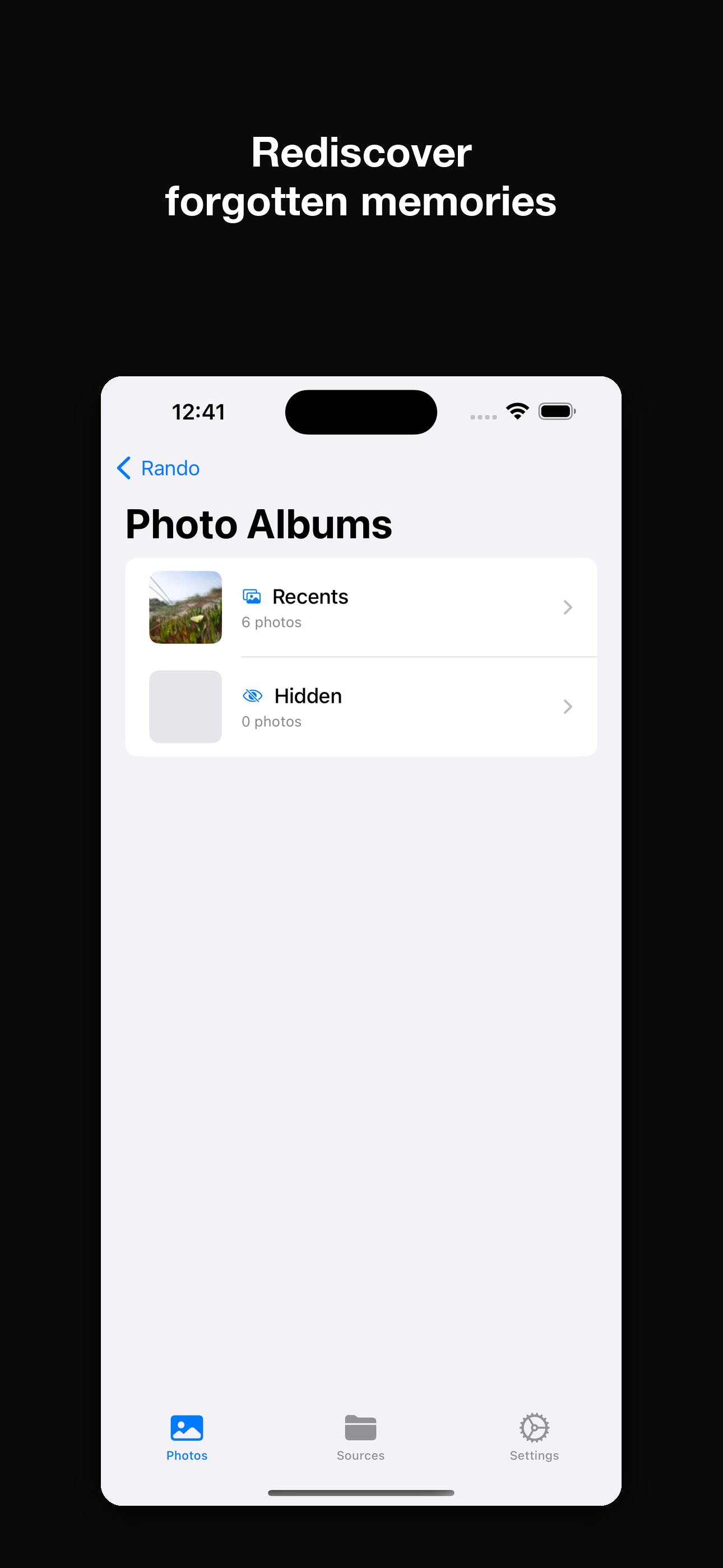
Pick an album, any album
Browse your Photos library, the Files app, iCloud Drive, or Dropbox. Mix multiple sources into one random pool.
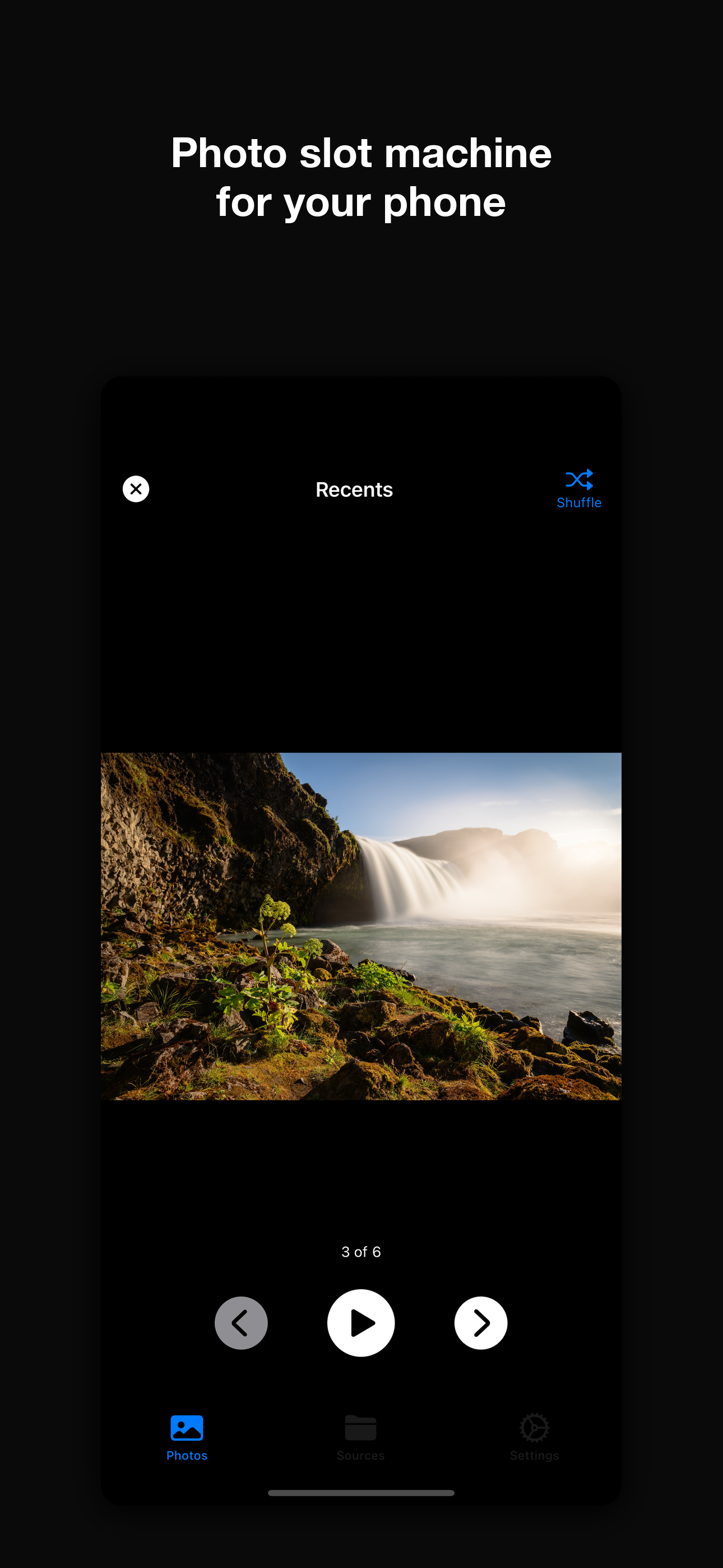
Tap once and Rando surfaces a forgotten photo. Tap again for another. Or hit play and let the slideshow drift through your archive on its own.
On your phone
Browse your Photos library, the Files app, iCloud Drive, or Dropbox. Mix multiple sources into one random pool.
Tap for a fresh photo. Pinch to zoom. Or run the slideshow hands-free with timing from 3 to 30 seconds. Videos and Live Photos play right in the rotation — drag the scrub bar to seek.
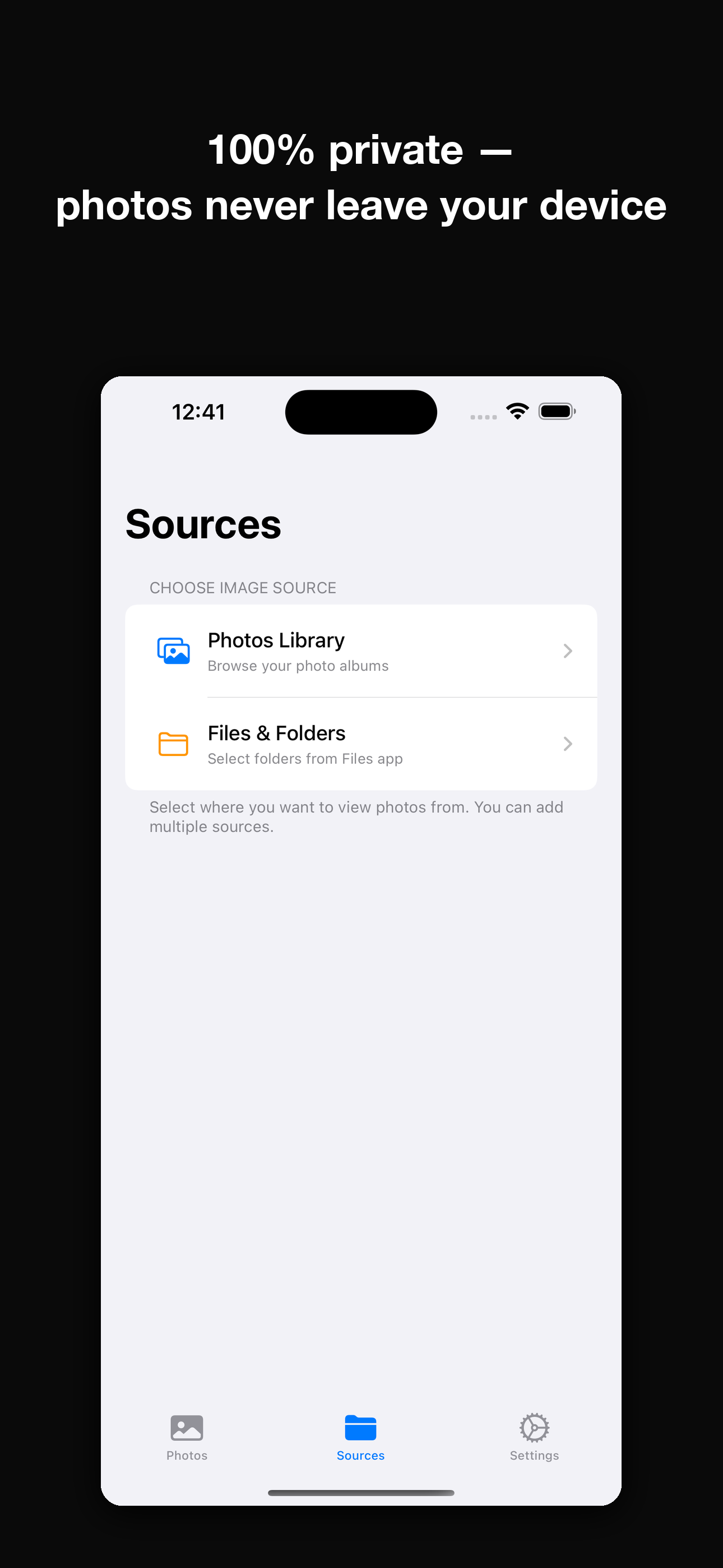
No accounts. No cloud. No AI scanning. We literally cannot see your photos — that's the point.
AirPlay to your Apple TV, or plug in an HDMI adapter, and Rando fills the screen while your phone becomes the remote.
Add the Rando Memory widget and a forgotten photo greets you every morning: Home Screen, iPad Lock Screen, or StandBy. Pro refreshes up to hourly and adds a Shuffle button.
Cross-fade is free and always will be. Rando Pro adds Ken Burns, Slide, Zoom, Flip, and Random for a different motion every time.
Free to start, Pro when you want more
iPhone and iPad
Try 1 week FREE on the annual plan.
Mac, iPhone and iPad
Try 1 week FREE on the annual plan.
Already have a Mac? Rando Pro covers both — one subscription, Mac, iPhone, and iPad. See what the Mac app adds →
Every Pro feature can be previewed free for 10 minutes a day, on either tier.
iOS is one screen, one library. The Mac version pulls from every drive you own — internal, external, NAS, USB sticks — and runs different photos on every monitor at the same time.
Already have a Mac? Rando Pro covers both. Learn more →

Different photos on every monitor — independent, linked, or mirrored. Fully keyboard controlled. Not a screensaver.
Internal drives, externals, NAS, USB sticks, Apple Photos albums — all combined into one random pool.
See a photo you love? Right-click to explore that folder. Pop back out to random when you're done.
Hit Delete to send a blurry shot or accidental floor photo to Trash. Your library improves while you enjoy it.
Tag photos across any folders with custom colored tags. Build tag-based slideshows on the fly.
Scans at the filesystem level, not EXIF. Tens of thousands of photos load in seconds.
1-week free trial · $4.99/mo · $49.99/yr · $109 lifetime
iOS vs. Mac at a glance
Either way, your archive is about to get a lot more interesting.
Just want the iPhone version? Grab it free on the App Store →