Multi-display slideshows
Different photos on every monitor. Independent, linked, or mirrored. Fully keyboard controlled on every screen — it's not a screensaver.
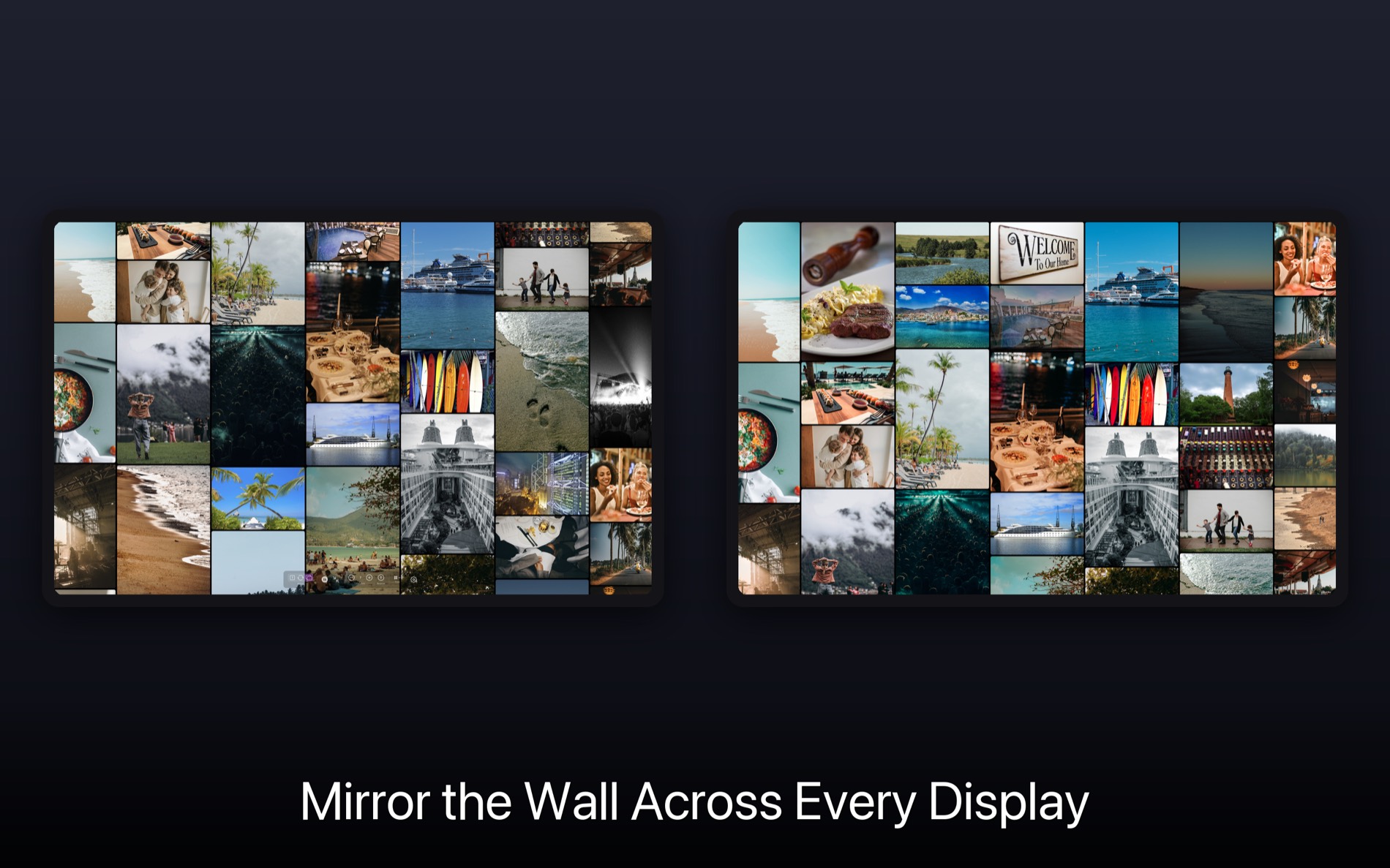
Every photo you took meant something. Rando surfaces them at random, across every screen — and lets you drill into the moment when one catches your eye.

What makes Rando different
Different photos on every monitor. Independent, linked, or mirrored. Fully keyboard controlled on every screen — it's not a screensaver.
See a photo you love? Right-click to explore that folder. Then pop back out to random discovery — no lost place.
Blurry shot? Accidental floor photo? Hit Delete and it goes to Trash. Your library improves while you enjoy it.
Internal drives, externals, NAS, USB, Apple Photos albums — combined into a single random pool. Photos and videos play together on every platform, plus Live Photos on Mac and iOS.
Scans at the filesystem level, not EXIF. Tens of thousands of photos load in seconds.
No servers. No account. No cloud. We literally cannot see your photos — works fully offline.
New in 5.0
The new Collage slideshow turns any display into a wall of photos that refreshes on its own — dozens of moments at once instead of one. Set it and walk away, or reach in and explore. Perfect for parties, weddings, reunions, galleries, and always-on photo frames.


A living wall that keeps every photo's full shape, so tall and wide photos all look right and nothing gets cropped. Neighboring columns drift in opposite directions for a gently woven motion as the wall quietly swaps in new photos.
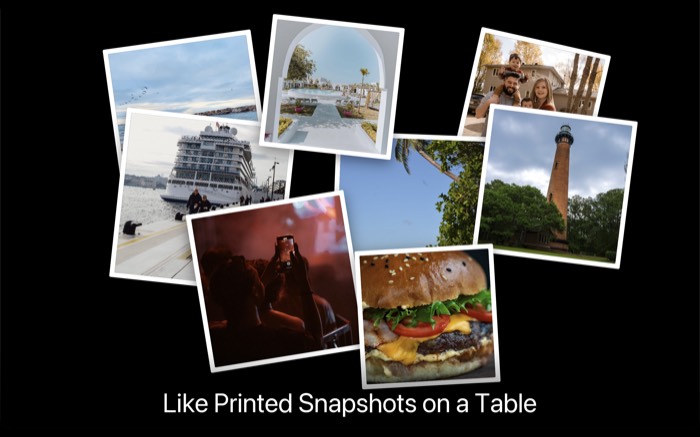
Photos tossed across the screen like printed snapshots — white borders and a gentle drop-in.
Take a look
“ It's a little bit of It's a Wonderful Life — you get a chance to see lots of good things you'd forgotten about, or that have now become more meaningful with the passage of time.
gil · Mac App Store · ★★★★★
It's ridiculously simple
Pick folders from your computer, externals, or NAS. Stack as many sources as you want.
Forgotten moments surface instantly. Start a slideshow on any — or every — display.
Drill into any moment that grabs you. Zoom back out to random when you're done.
Who it's for
Two decades of kid photos across a graveyard of drives. Rando surfaces the moments you forgot you lived.
Learn more →Thousands of RAWs on scattered cards. Browse, discover, and cull across every source at once.
Learn more →No cloud. No uploads. No account. Your photos never leave your machine — by design.
Learn more →X-ray for your photo archive
Unlabeled DVDs. Old USB sticks. That drive marked just "Backup". Point Rando at any of them and hit randomize to instantly see what's inside — no hunting through folders.
Pro tips, new features, and thoughtful writeups. Privacy-focused, just like Rando.
No spam. Unsubscribe anytime.
Tap to surface a random memory. Pinch to zoom. Run a slideshow on your commute. The iOS app is a quick taste — the Mac app is where your whole archive comes alive.
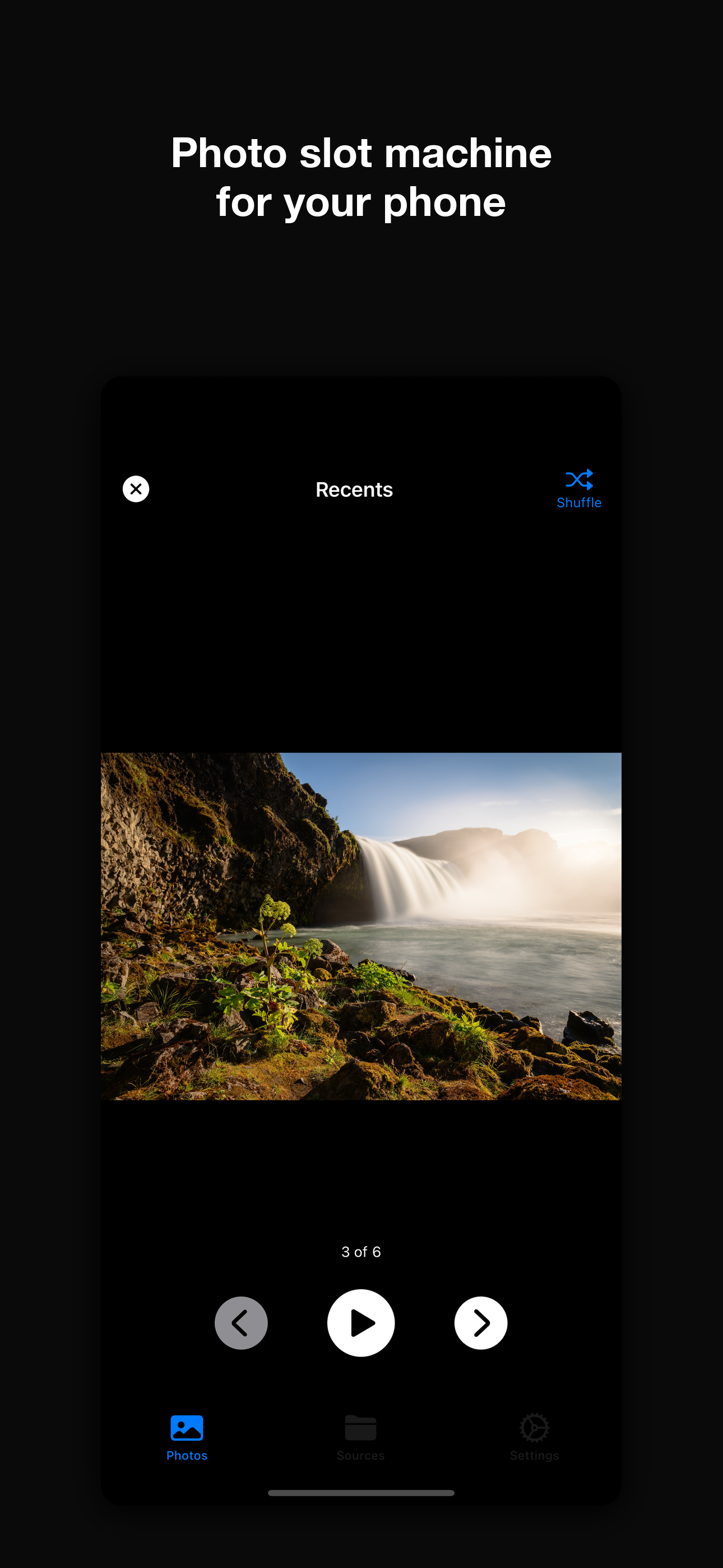
Bring back the moments that mattered. Randomly, daily, privately.
Download RandoiPhone & iPad · macOS 12+ · Windows 10+