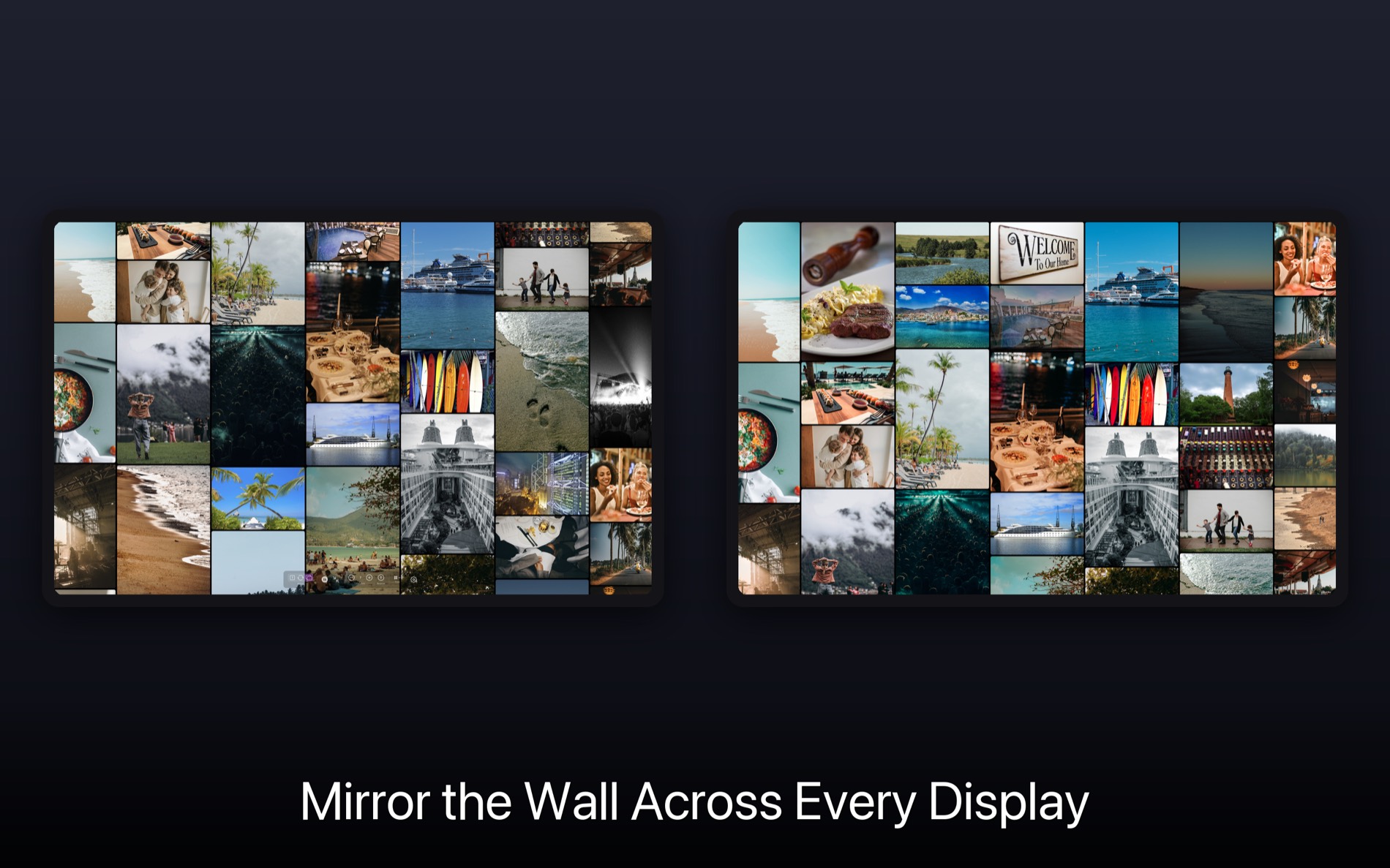
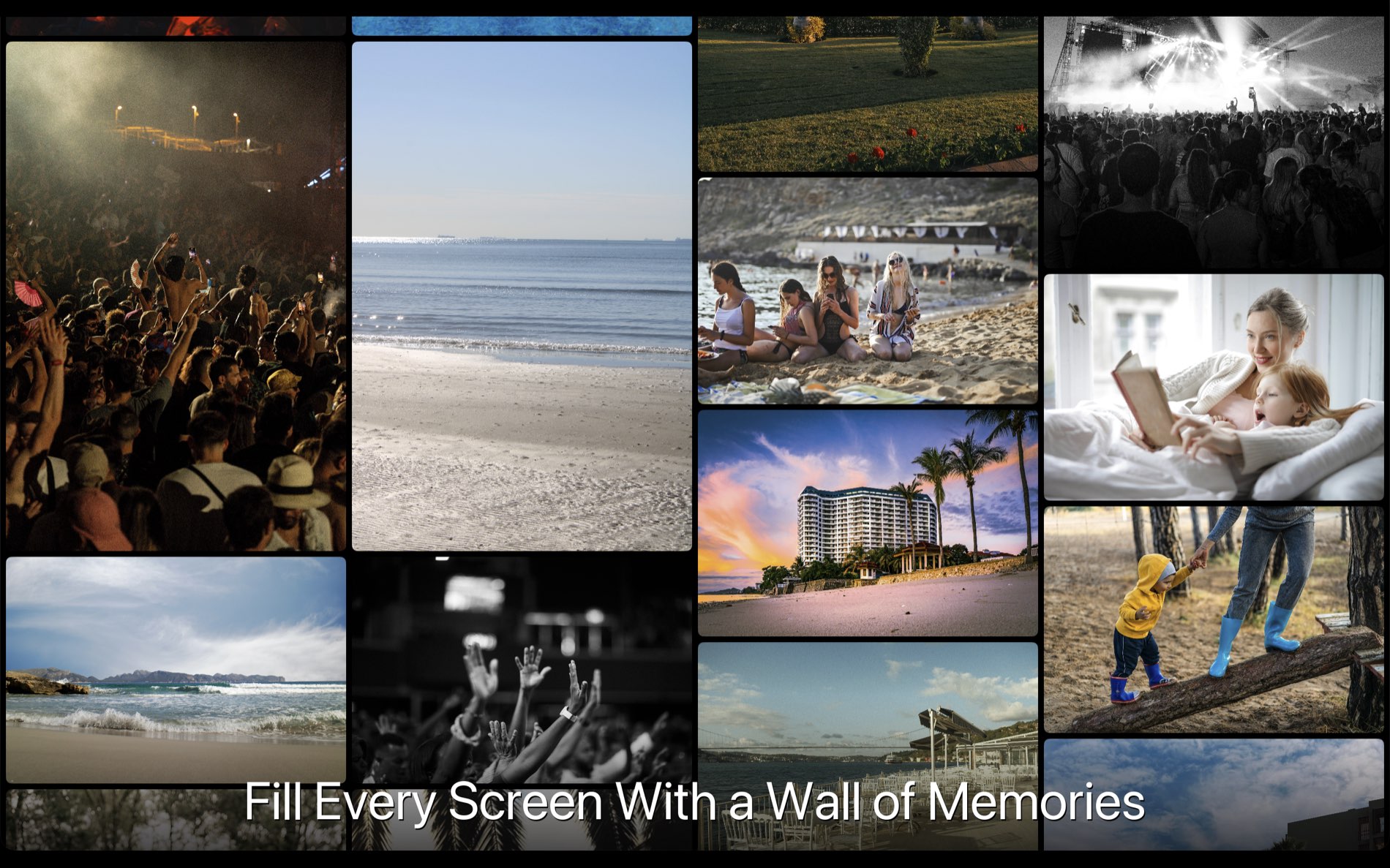
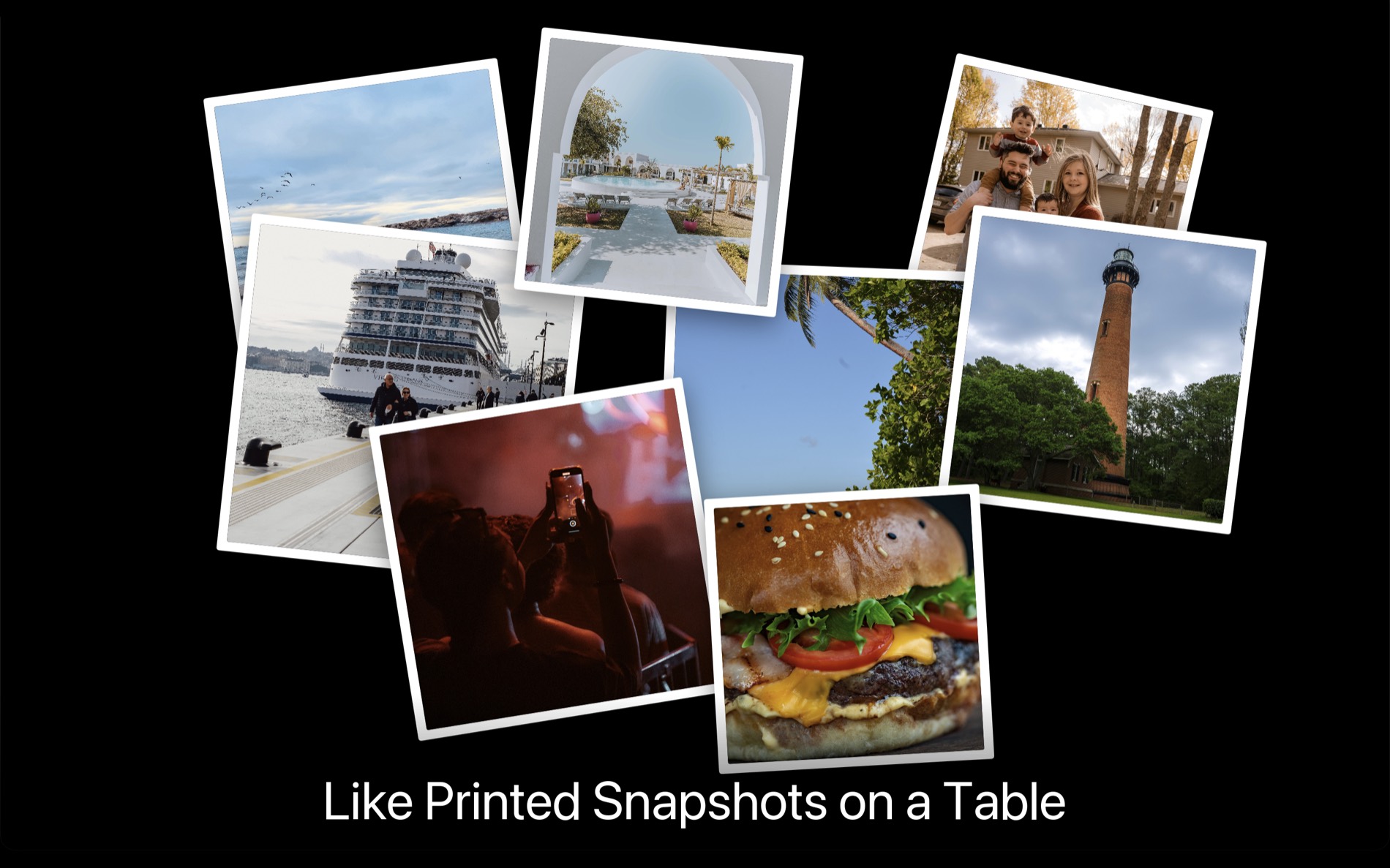
Multi-display slideshows for reunions, trade shows, and celebrations — with full keyboard control, set up in five minutes.
You're planning an event and you want photos on multiple screens. You went looking and found screensavers (no control), wallpaper utilities (not photo viewers), and presentation software at ~$100/year for something you'll use once.
Rando is different. Independent slideshows on each display, full keyboard control, costs less than lunch.
Perfect for
Decades of yearbook photos and candids rotating around the venue — guests can't stop watching (and reminiscing).
Product shots, team photos, customer testimonials — different content on each display. Catches eyes, starts conversations.
Company milestones, team photos, project highlights. Perfect for annual meetings and holiday parties.
Weddings, anniversaries, retirement parties, memorial services — a lifetime of memories across every screen.
Sports banquets, awards ceremonies, open houses — showcase years of achievements on lobby displays.
Ambient displays for waiting rooms or gallery spaces. Fresh and engaging without manual updates.
Why not just use…
No control once they start. Bump the mouse and it's gone. You're stuck watching passively.
Desktop backgrounds, not full-screen slideshows. No zoom, no navigation. Not built for events.
Building 500 slides? Tedious. Same deck on every screen? Boring. $96+/year for one-time use.
$500–1000+/day plus setup fees. Great for new photos. Overkill for displaying existing ones.
Setup
Select the folder. USB drive, laptop, network share — any source works.
HDMI, DisplayPort, USB-C — as many screens as your machine supports.
Menu → "Start Slideshow on Monitor" for each screen. Different photos everywhere.
Three control modes
Switch between modes on the fly as your event evolves.
Event-ready features
Arrows navigate, Space pauses, Z/X zoom, R randomizes. Control every screen without walking over.
Slideshows automatically block screen sleep and screensavers. No embarrassing blackouts mid-speech.
In Linked mode, Rando avoids showing the same photo on multiple screens. Max variety, zero awkwardness.
Professional transitions, adjustable timing. Looks polished, not PowerPoint.
USB drive + colleague's folder + network share = one seamless slideshow.
Photos stay on your device. No cloud, no internet. IT-approved for company events.
Pricing
One-time event
Reunion next month? Subscribe, run it, cancel. Done.
Ongoing use
Trade shows, lobby displays, regular events.
Save 17%Never pay again
One payment, unlimited use forever.
7-day free trial included. Test it with your actual photos before your event.
Try Rando free for 7 days. Setup takes five minutes.
Download RandomacOS 12+ or Windows 10+ required